
Im using an SD Card to store game files, and my device is Galaxy Tab S9+. Winlator 7.1.3x Cmod GLIBC v11fix1. If you add the drives to the container you created in Winlator using the OS buitl-in files browser like I did below:
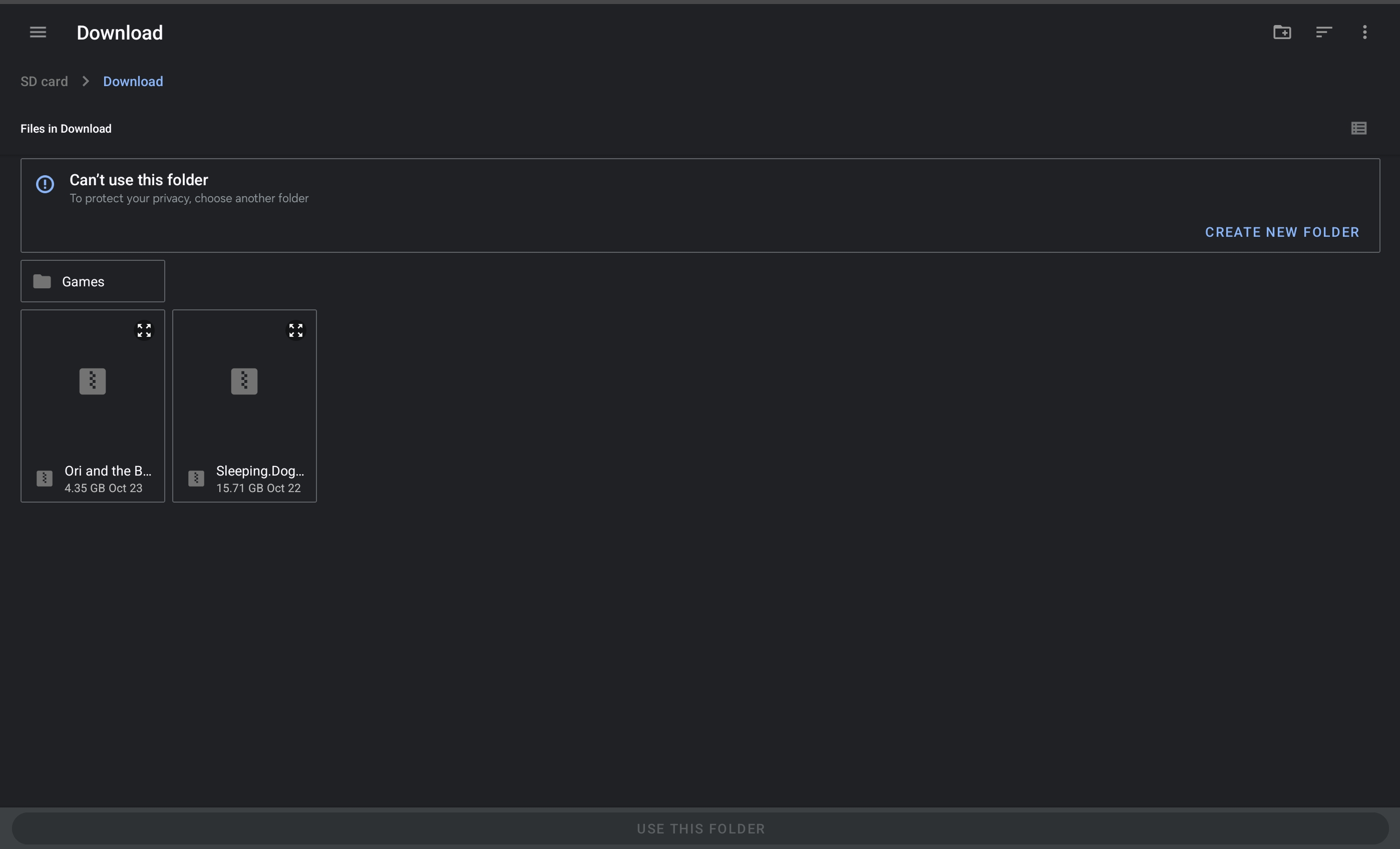
Winlator will generated the path for you with something like:
/mnt/media_rw/546B-6466/Download/Games

This path is correct, but the drives will not shown up when you boot the container.
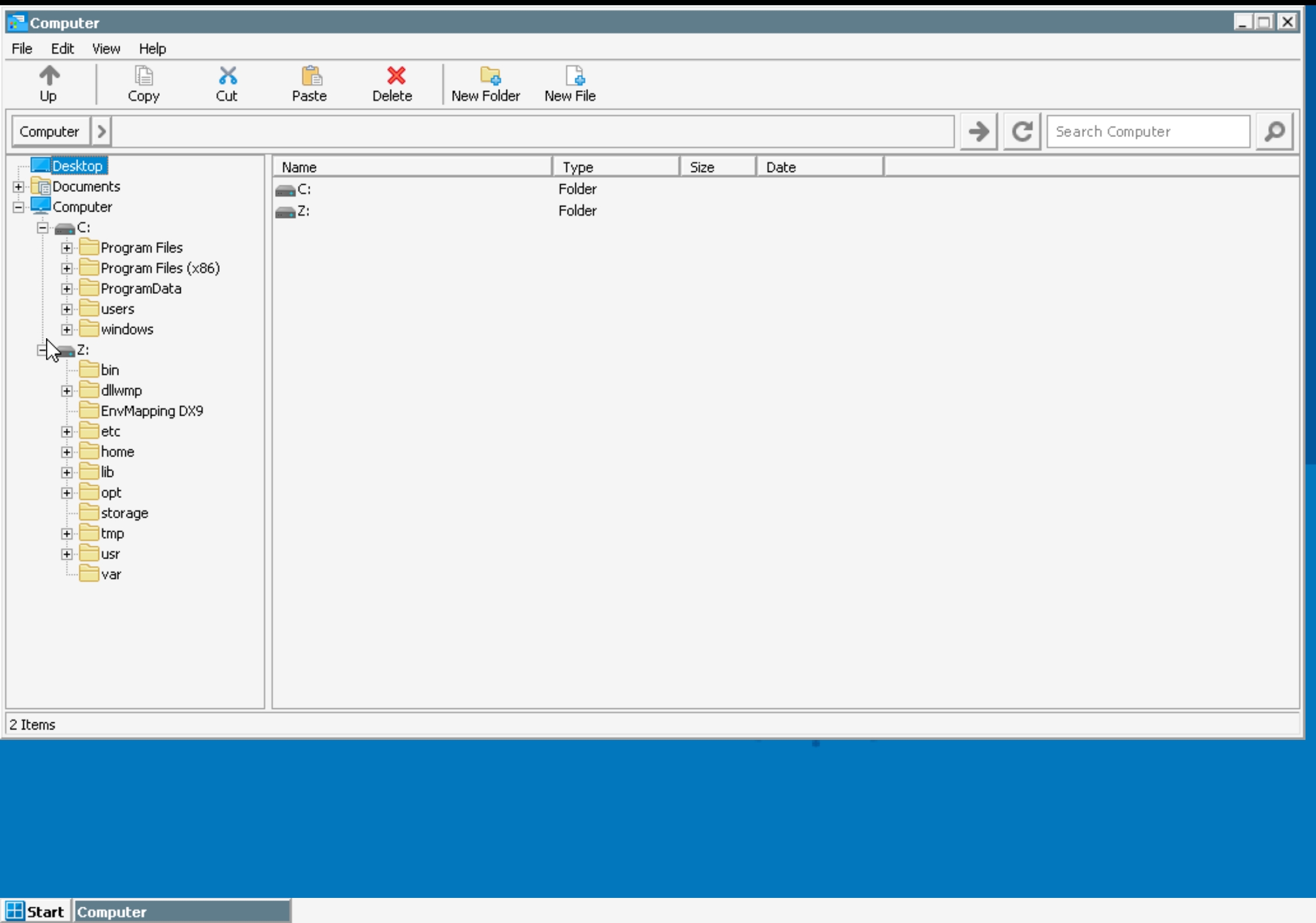
To resolve this, remember the name of you SD Card, you can extracted it from the generated path.
/mnt/media_rw/SD-Card-Name/Download/Games
In Winlator Drives setting, add a new path as follow:
/storage/SD-Card-Name/Path/To/Folder

# Example

/storage/546B-6466/Download/Games
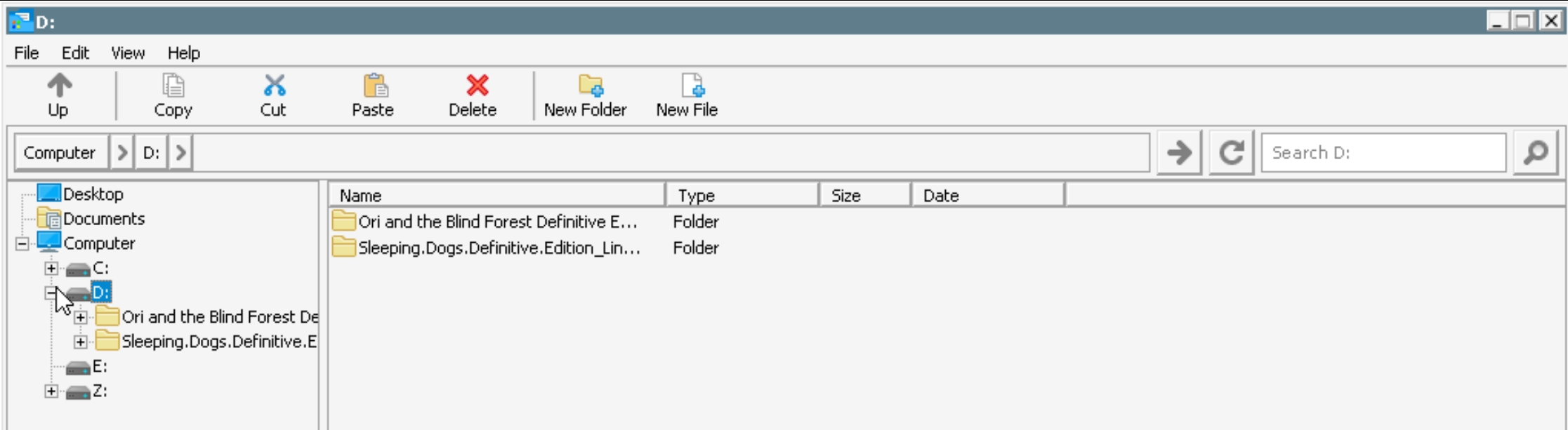
Your mounted SD Card will now shown up.
Thank you for the reference from: https://www.reddit.com/r/EmulationOnAndroid/comments/15sh9li/please_help_winlator_sd_card/